
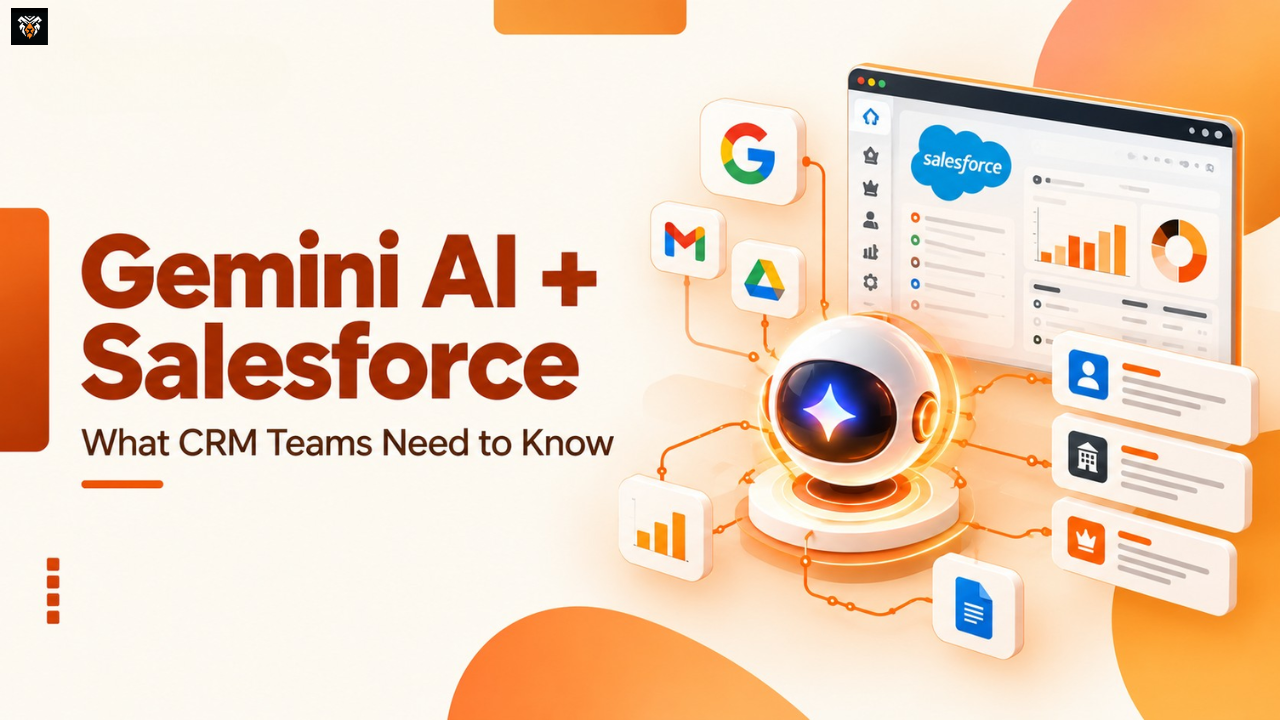
Google’s Gemini Agent Meets Salesforce: What Should Enterprise CRM Teams Do Now?
Enterprise AI Is Moving Beyond the Chat Window
Picture a sales director the morning before a renewal call. The account history lives in Salesforce, the last meeting notes sit in a Google Doc, the pipeline numbers are in a report, and a pricing question is still unanswered in a Gmail thread. Twenty minutes go to gathering it all, and the call hasn’t started. That daily friction is exactly what enterprise AI is now trying to remove.
On October 8, 2026, Google Cloud announced the Gemini agent, which it describes as a universal agent for work. It reflects a wider shift in enterprise AI, away from chatbots that answer questions and toward agents that operate across the tools and data a company already runs.
That direction is useful, but enterprise AI agents working from stale CRM data or loose permissions can create problems faster than a person would. So how should Salesforce teams respond without creating disconnected workflows, unreliable data, or security gaps nobody planned for?
Why Google’s New Gemini Agent Matters for Enterprise AI
According to Google’s Gemini at Work announcement, the agent plans work, uses skills and tools, connects to a company’s business systems, and returns finished output inside the documents and inbox people already use. Four ideas matter for CRM teams:
- Objectives, not instructions. Google says users delegate an outcome rather than directing every step.
- Connected context. Google lists platforms such as Salesforce and ServiceNow among the systems Gemini can connect to, along with Model Context Protocol (MCP) servers.
- Multi-step coordination. The agent can create temporary sub-agents for parts of a larger job.
- Governance and cost controls. Google describes per-agent identity, least-privilege permissions, audit trails and spend caps.
These are Google’s claims about its own product, and the material I reviewed gives no rollout schedule. The takeaway is the direction: vendors are building agents to cross application boundaries, which makes integration quality and permission design central to enterprise AI readiness.
Where Google Gemini Agent and Salesforce Agentforce Fit Together
These technologies are related, but they are not interchangeable.
| Platform or capability | Primary role | Relevance to CRM teams |
| Google Gemini agent | Google’s universal work agent, announced October 8, 2026 | A possible place where employees request work that touches CRM data |
| Gemini Enterprise | Google Cloud’s enterprise offering that Salesforce’s integrations connect to | The environment where Salesforce capabilities can surface |
| Salesforce CRM | System of record for accounts, opportunities and cases | Holds the data, access rules and logic any agent depends on |
| Salesforce Agentforce | Salesforce’s platform for agents that act within Salesforce | Where Salesforce AI agents are built, governed and run |
| Integration layer (MCP, Zero Copy) | The connection between systems | Decides what any agent can see and do |
If you are sorting out how Agentforce differs from its predecessor, see our comparison of Einstein Copilot vs. Agentforce.
The Salesforce–Google relationship is not new. Salesforce’s partnership page points to integrations announced earlier in 2026, and at Dreamforce on September 15, 2026, the companies expanded the partnership. Per Salesforce’s announcement, availability at that date was:
- Agentforce Reasoning Engine with Gemini: generally available.
- Agentforce Sales Agent for Gemini Enterprise: beta on Google Cloud Marketplace.
- Salesforce Federated Connector for Gemini: private preview, general availability planned for late October.
- Data 360 and BigQuery Zero Copy expansion: general availability expected in fall 2026.
Even the beta is not a switch you flip. Salesforce’s setup documentation calls for specific editions with the Agentforce for Sales add-on, an external client app with OAuth settings, permission sets, and administrator access to Gemini Enterprise. Neither company’s material I reviewed says the October 8 Gemini agent already has a generally available Salesforce connector, so confirm that with both account teams.
Five Enterprise AI Use Cases Salesforce Teams Should Evaluate
These enterprise AI examples are illustrative, not confirmed product behavior. Each depends on your edition, licensing and configuration.
- Sales preparation. Reps lose time assembling context. A connected agent could combine Salesforce account summaries with calendar and email context into a meeting brief. It needs supported access to both systems and clean account data, and the rep should verify the figures.
- Customer service. Long case histories slow agents down. Case summaries and triage suggestions could help, provided categories are consistent and escalation rules are defined. Anything sensitive should still go to a person, and I’d keep reviewing the agent’s suggestions until they’ve held up over a few weeks of real cases.
- Sales follow-up. Follow-ups slip. Salesforce’s beta documentation describes sellers researching leads and updating records inside Gemini, so an agent could draft next steps and propose record changes. Start with write access to a handful of fields, such as next step and follow-up date, and have a manager sign off before anything that touches forecast categories changes.
- Marketing and sales coordination. Handoffs stall when sales must chase context. An agent could gather lead history before a conversation, but only if both teams share one definition of a qualified lead and someone owns the handoff rules.
- Reporting and business insights. Leaders want answers drawn from CRM and connected systems. Salesforce says Tableau’s MCP integration enforces row-level security on agent queries. Metric definitions still need agreement, and outputs deserve checking against governed reports.
AI Agent Integration: The Real Challenge Is Connecting Business Context
Connecting two platforms is easy to demonstrate. Making AI agent integration reliable is harder, because it exposes every weakness already in your data and processes: conflicting customer records, duplicates and outdated fields, teams that define “pipeline” differently, unclear ownership, disconnected integrations, inconsistent business rules and poorly designed automation.
Consider a hypothetical example. A customer’s billing contact changes in the ERP but never reaches Salesforce. An agent preparing a renewal email reads the CRM and addresses the former contact. Meanwhile, an existing Flow and a new agent both update the same opportunity stage, and whichever runs last wins. Nobody can explain why the record changed. The agent did what it was allowed to do; the foundation was the problem.
Four things prevent this. First, a named system of record for each important data type. Second, a deliberate Salesforce integration architecture rather than point-to-point connections added one at a time. Third, shared metric definitions, which is where unifying customer data becomes relevant. Fourth, explicit ownership of every consequential action, whether a person, a Flow or an agent performs it.
Security, Permissions, and Governance Cannot Be an Afterthought
Giving enterprise AI agents access to business applications is not inherently reckless, but it deserves the discipline you would apply to a new employee. Think through agent identity, least-privilege access, sensitive fields, approval for consequential actions, audit trails, and a clear handoff to a person when the agent is unsure.
Google and Salesforce provide separate control sets. Google’s announcement describes agent identities, role-based permissions, audit logging and an Agent Gateway that enforces policy. Salesforce’s controls live in its own model: object and field permissions, permission sets, and the external client app configuration. The two meet at the connection, and nobody has promised you a single unified security model.
That meeting point is where mistakes happen. Test whose permissions apply when the agent reads or writes Salesforce data, and confirm it for every integration. An agent inherits whatever your org already allows, which is why a Salesforce security model audit belongs before any rollout. Add monitoring and an escalation path, and the risk becomes manageable.
What Should Enterprise CRM Teams Do Now? A Five-Step Action Plan
- Choose one high-value workflow. Look for something your team does over and over, where you can tell whether it went well. Prepping for renewal calls or summarizing long cases are good candidates.
- Map the systems involved. List the applications, objects and records the workflow touches, including the ones nobody remembers.
- Define data ownership. Decide which system is authoritative for each record and metric.
- Set access and approval controls. Establish identity, permissions, monitoring and human review wherever an action has consequences.
- Pilot and measure. Run representative scenarios and track accuracy, time saved, errors and operational impact.
Start small with enterprise AI, because a bounded pilot produces evidence while a company-wide rollout produces anecdotes. A narrow workflow also limits the damage if something misbehaves.
Is Your Business Ready for Connected Enterprise AI?
Some organizations are ready to experiment with enterprise AI adoption. Others need foundational work first, and learning that in a pilot is cheaper than learning it in production. If several items below are shaky, start with a Salesforce health check.
- CRM data quality: duplicates, stale records and missing fields are known and managed.
- Integration reliability: existing integrations run without regular manual repair.
- Documented processes: the workflow you want to automate is written down.
- Permission design: nobody is still carrying access from a role they left two years ago.
- Workflow ownership: a named person owns each process and automation.
- Testing and monitoring: you can observe what automated actions actually did.
- Success metrics: you know what “better” means before you start.
Final Thoughts: Enterprise AI Needs More Than a Powerful Agent
The opportunity is not simply adding another AI tool. It is connecting data, applications, workflows and governance so that enterprise AI can contribute reliably to real operations. A capable agent on a messy CRM produces confident-sounding mistakes, while a modest one on a well-governed foundation is genuinely useful. That is the better bet for any Salesforce AI strategy.
Amroar Technologies works with organizations on Salesforce consulting, integration architecture, automation, CRM health and enterprise AI readiness. You are welcome to book a conversation about your Salesforce and AI integration readiness. For primary sources, start with Google’s Gemini agent announcement and Salesforce’s partnership update.
Questions we get asked every week.
Comments are closed