
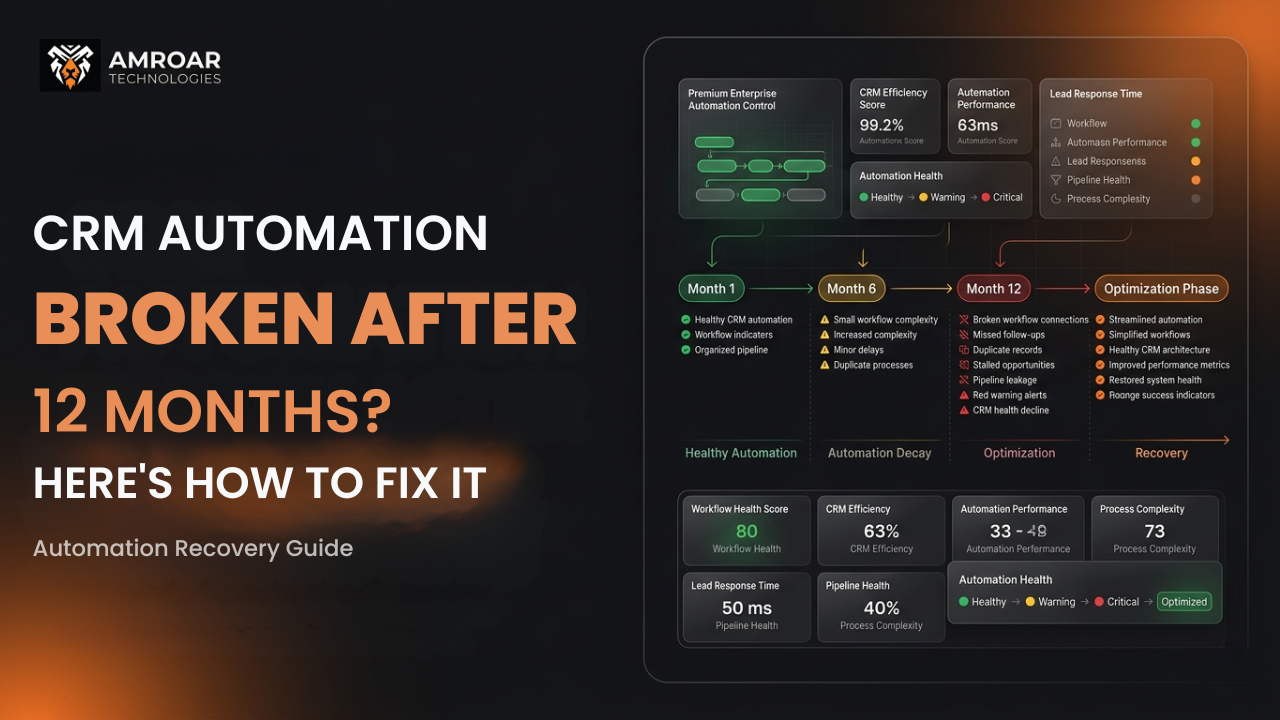
CRM Automation: 5 Reasons It Breaks After 12 Months and how to fix it.
Here’s a pattern that repeats itself more often than it should. A business invests properly in CRM automation — the workflows are built thoughtfully, the logic is clean, the team is trained. Launch day goes well. For the next few months, everything works. Leads get routed. Follow-ups fire. Pipeline updates happen without anyone touching them.
Then, somewhere around the twelve-month mark, things quietly start drifting. A workflow misfires. A lead doesn’t get assigned. A deal gets stuck in a stage it should have left weeks ago. The team starts working around the automation rather than trusting it. And by month eighteen, the same people who were excited about their CRM automation setup are quietly maintaining spreadsheets again.
This isn’t bad luck. It’s physics. CRM automation is a snapshot of how your business operated when it was built. Businesses don’t stay still. The automation does.
This article explains exactly why it happens, what the specific failure points look like, and how to fix it without starting from scratch.
The Core Problem: CRM Automation Is a Living Thing That Gets Treated Like a Finished Product
The fundamental misunderstanding about sales automation CRM tools is that implementation is the end of the work. It isn’t. It’s the start of a maintenance relationship that most organizations don’t budget for, don’t assign ownership over, and don’t think about until something breaks visibly.
Think about what changes in a business over twelve months. Sales territories get realigned. New products get launched. Old ones get retired. Pricing structures change. People join and leave. The ICP shifts. A new marketing channel gets added. Each of these changes has downstream effects on the automation that was built around the previous version of the business — and in most cases, nobody updates the automation to match.
CRM workflow automation doesn’t degrade on its own. It gets misaligned. And misaligned automation is often worse than no automation — because it fires confidently on bad logic, creating the appearance of a working system while quietly producing wrong outcomes.
The changes most likely to break CRM automation within twelve months:
- Sales team restructuring — territory changes, new roles, changed ownership rules.
- Product or pricing changes that weren’t reflected in deal stage logic or qualification criteria.
- New marketing channels generating leads in formats the automation wasn’t built to handle.
- Integration updates from third-party tools that changed field names, data formats, or API behavior.
- Platform updates from Salesforce or HubSpot that deprecated components the automation relied on.
The Five Ways CRM Automation Actually Fails
Not all automation failures look the same. Understanding which type you’re dealing with is what determines how to fix it.
1. Logic Drift — Your CRM Automation Is Running on Last Year’s Business
This is the most common failure mode and the quietest. The automation is technically working — it fires, it takes actions, it updates records. But the criteria it’s using to make decisions are based on a version of the business that no longer exists.
A lead scoring model built when your ICP was mid-market companies with a 50-person sales team doesn’t work the same way after you’ve repositioned upmarket toward enterprise. The lead comes in, gets scored against the old model, and either gets over-prioritized or under-prioritized based on criteria that no longer reflect who actually buys from you.
- How it shows up: Reps report that “good” leads are being marked low-priority, or time is being wasted on leads that never convert.
- Fix: Audit the scoring and qualification criteria against your last twelve months of closed-won data. Rebuild the model around who actually bought, not who you thought would buy.
2. Ownership Gaps — Records With No One Responsible
Sales team changes are one of the most reliable ways to create automation chaos. When someone leaves and their records get reassigned — or don’t — every workflow that fires based on record ownership starts producing unpredictable results. Assignment rules route leads to a role that no longer exists. Notification emails go to an address that no longer works. Tasks get created and assigned to a deactivated user.
In practice this means leads sit unworked because nobody got notified. Deals stall because no one owns the next action. And because the automation fires silently, nobody knows the handoff failed until a prospect complains or a deal goes cold.
- How it shows up: Unassigned records accumulating, deals stalling at specific stages after personnel changes.
- Fix: Build a queue-based fallback into every assignment workflow. When the primary owner is unavailable or unresolvable, assign to a team queue rather than failing silently.
3. Data Rot — CRM Automation Running on Fields Nobody Fills In Anymore
CRM automation depends on data fields being populated consistently and accurately. When the team stops maintaining those fields — because the process changed, because the fields aren’t surfaced on the current page layout, or because nobody enforced the habit — the automation that depends on them starts making decisions on blank or stale values.
A workflow that says “if Industry = Manufacturing, route to the enterprise team” doesn’t do anything useful when 60% of your Contact records have a blank Industry field. It silently routes to the wrong place — or doesn’t route at all — and the team assumes the automation is broken when really it’s just working with bad inputs.
- How it shows up: Automation fires inconsistently — correctly for some records, incorrectly or not at all for others, with no obvious pattern.
- Fix: Audit data completeness on every field your automation uses as a trigger or criteria. Add validation rules to enforce completion on critical fields going forward, and run a one-time backfill on existing records.
4. Automation Conflicts — Multiple Workflows Fighting Over the Same Record
This one tends to build up gradually and then cause a very visible failure. As CRM automation software gets added to over time — new workflows for new campaigns, new flows for new processes — it becomes increasingly likely that multiple automations will fire on the same trigger event. When they do, they can overwrite each other’s changes, create conflicting record states, or hit governor limits that cause one or both to fail.
In Salesforce specifically, automation conflicts between old Process Builder flows and newer Flows are an increasingly common problem as organizations upgrade incrementally. In HubSpot, overlapping workflow enrollment criteria can result in contacts being pulled through contradictory sequences simultaneously.
- How it shows up: Records with unexpected field values after automation fires. Intermittent errors on high-volume days. “Why is this contact in two sequences at once?”
- Fix: Map your entire automation layer — every workflow, flow, and sequence — against a single list of trigger events. Identify every case where more than one automation fires on the same record state. Consolidate where possible, and add explicit ordering where consolidation isn’t practical.
5. Integration Drift — Third-Party Tools That Changed Without Anyone Noticing
CRM automation rarely lives entirely inside the CRM. It depends on data flowing in from marketing platforms, data enrichment tools, calendar integrations, ERP systems, and support platforms. When any of those external tools updates its API, changes a field name, or alters how it sends data, the integration can break in ways that aren’t immediately obvious.
The most dangerous version of this failure is a partial break — where data still flows but in a subtly different format. The field still gets populated, so no error fires. But the value is slightly wrong, or the format doesn’t match the criteria the automation uses to evaluate it. Everything looks fine until you notice the lead source field has been blank for three months because the form changed the field label.
- How it shows up: Automation that worked for years suddenly starts misfiring after a third-party tool update. Or slowly degrades without a clear starting point.
- Fix: Subscribe to release notes from every tool in your integration stack. Build monitoring into integrations that alerts when expected field values stop arriving rather than just when connections fail entirely.
CRM Automation Failure Types: Diagnosis and Fix at a Glance
Here’s a quick reference for diagnosing which type of automation failure you’re dealing with:
| Failure Type | What Triggers It | How It Shows Up | Primary Fix |
| Logic Drift | Business model or ICP change | Wrong leads prioritized, poor conversion on “hot” leads | Audit criteria vs closed-won data |
| Ownership Gaps | Staff changes, team restructuring | Unassigned records, deals stalling silently | Queue-based assignment fallbacks |
| Data Rot | Process changes, field abandonment | Inconsistent automation firing by record | Data completeness audit + validation rules |
| Automation Conflicts | Accumulated workflows over time | Unexpected field values, governor limit errors | Full automation map + consolidation |
| Integration Drift | Third-party tool updates | Silent data gaps, field values stop populating | Integration monitoring + release note tracking |
Why Most Teams Don’t Catch This Until It’s Expensive
The reason CRM automation failures are so costly isn’t that they’re hard to fix. It’s that they’re hard to notice. Most of these failures don’t throw an error. There’s no red alert. The automation continues firing — it just fires wrong. And in the absence of visible failure, teams assume the system is working.
By the time someone notices — usually because a rep complains or a deal falls apart in a way that traces back to an automation misfire — the problem has often been running for months. The data is already compromised. The leads that should have been followed up on are cold. The pipeline numbers that leadership has been reporting are built on top of records that were handled incorrectly for a quarter.
There’s also an adoption component. When automation behaves unpredictably, the team quietly stops trusting it. They start double-checking everything manually and they build unofficial workarounds also they eventually stop updating the CRM consistently because they don’t believe the system is using that data correctly anyway. This is how a CRM automation problem becomes a CRM adoption problem — and adoption problems are significantly harder to recover from.
The Quarterly Automation Health Check: A Practical Framework
The fix isn’t a one-time project. It’s a maintenance rhythm. Here’s what a practical quarterly automation health check looks like for most CRM environments.
Step 1: Map Everything That’s Active
Start by producing a complete inventory of every active automation in your CRM — every workflow, flow, sequence, and assignment rule. Include the trigger event, the criteria, the actions, and when it was last modified. Most CRM admins don’t have this in one place, which is itself a diagnostic finding.
- Flag any automation that hasn’t been reviewed in over six months and any that was built before a significant business change.
Step 2: Check the Criteria Against Current Reality
For each automation, ask: is the logic still valid? Does the ICP still match? Are the territories still accurate? Do the product or pricing references still apply? This is the logic drift check. It takes time but it’s where the most impactful fixes usually live.
- Cross-reference with the sales team. Ask specifically: “Is there anything the automation does that actively creates problems for you?” Their answers are more reliable than a data audit alone.
Step 3: Audit Data Completeness on Key Fields
Pull a completeness report on every field your automation uses as criteria or a trigger. If a field is blank on more than 20% of relevant records, that automation is operating on incomplete information. Decide whether to enforce completion going forward, build a fallback for blank values, or redesign the automation to not depend on that field.
- Add validation rules to critical fields where data completeness directly affects automation outcomes.
Step 4: Test Integration Data Flows
Create a test contact or deal record and push it through every integration touchpoint. Verify that data is arriving in the expected format and mapping to the correct fields. Check the most recent release notes for every connected tool since your last review.
- Build an automated monitoring alert for when key integration fields stop receiving new values for more than 48 hours.
What This Means for Your Business
The practical business impact of ignored CRM automation decay is wider than most people realize. It’s not just that some workflows misfire. It’s what those misfires cost over time.
- Revenue leakage: Leads that don’t get followed up because assignment automation failed. Deals that stall because stage-advancement logic fired on the wrong criteria. These are real opportunities lost — and they don’t show up on any report as automation failures.
- Admin overhead: When automation can’t be trusted, people compensate manually. That manual overhead compounds across every person on the team every day.
- Adoption collapse: The fastest way to destroy CRM adoption is to let automation behave unpredictably. Once the team loses confidence that the system does what it’s supposed to do, you’re facing a cultural problem that’s much harder to fix than the underlying technical one.
- AI readiness: If you’re planning to layer Salesforce Einstein, Agentforce, or any other AI capability on top of your CRM, clean automation is a prerequisite. AI tools amplify whatever the underlying system does — if the underlying automation is misaligned, the AI output will be too.
Getting Your CRM Automation Back on Track
If your automation has been running unreviewed for more than a year, you’re almost certainly carrying some version of the problems described in this article. The question isn’t whether the decay happened — it’s how far it’s progressed and which failure types are most active.
Amroar Technologies works with businesses to audit, rationalize, and rebuild CRM automation that has drifted out of alignment with the business. Whether you’re on Salesforce or HubSpot, the process is the same: map everything, test the logic against current reality, clean the data, consolidate the conflicts, and build the monitoring so it stays healthy going forward.
If your team has started working around the automation rather than with it, that’s the signal. It’s worth getting an honest assessment of what’s actually running before planning what to build next.
Questions we get asked every week.
Final Thoughts
CRM automation that worked at launch and quietly stopped working twelve months later isn’t a failure of the platform. It’s a failure of the maintenance assumption — the idea that automation, once built, takes care of itself.
It doesn’t. It takes care of the business that existed when it was built. When the business moves on, the automation needs to move with it.
The five failure types in this article — logic drift, ownership gaps, data rot, automation conflicts, and integration drift — aren’t exotic edge cases. They’re normal consequences of normal business growth, and every growing company running CRM automation will encounter them. The difference between businesses that handle this well and businesses that don’t isn’t technical sophistication. It’s whether someone owns the maintenance.
Comments are closed