
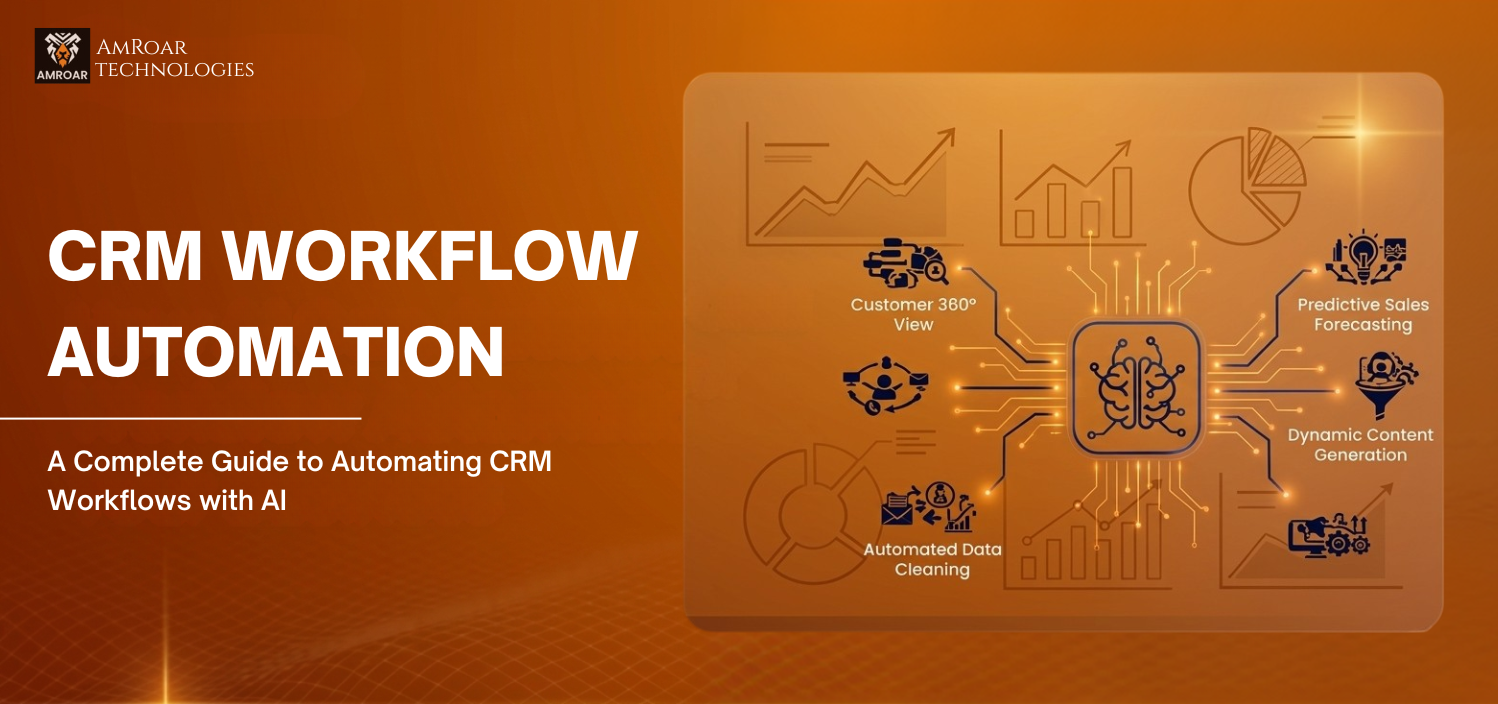
How AI Can Transform CRM Workflow Automation for Your Business
How many hours does your team lose every week on work that doesn’t actually need them? Updating records. Sending follow-ups. Moving leads through stages. Logging calls. None of it takes skill — it just takes time. And that time usually belongs to some of your best people. CRM workflow automation changes this entirely. When AI connects to your CRM, those tasks stop landing on your team’s plate. They just happen — triggered automatically, handled accurately, logged without anyone lifting a finger.
Whether you’re on Salesforce or any other platform, this blog covers exactly where automated CRM workflows make the biggest difference — and what it genuinely looks like when it’s working properly.
What Does CRM Workflow Automation Actually Mean?
Traditional CRM automation runs on fixed rules. If this happens, do that. Simple, but rigid — the moment something falls outside the rule, it breaks and a human steps in. AI-powered CRM workflow automation works differently. The AI learns from patterns in your data, makes judgment calls, and handles situations it hasn’t been explicitly programmed for. It figures out which leads deserve attention right now, which deals are quietly going off track, and what message to send — without anyone setting up a specific rule for every scenario.
In real terms, your CRM starts doing things like:
- Scoring and prioritizing leads based on actual engagement — not just job title or company size.
- Sending follow-ups grounded in what the customer actually did or said last — not a generic template.
- Updating deal stages based on real customer signals — not waiting for a rep to remember.
- Keeping your data clean without anyone running a manual audit every quarter.
Where Does CRM Workflow Automation Make the Biggest Difference?
Honestly — almost everywhere in a CRM. But these five areas are where businesses see the most visible, fastest results.
1. Lead Scoring and Management
Most businesses have more leads than their team can realistically touch. Without automation, the ones at the top of the list get attention and the rest sit aging. AI lead scoring changes this by continuously ranking every lead based on real behavior — website visits, email opens, form fills — and bringing the ones actually ready to buy to the surface.
- Hot leads get flagged and assigned automatically — no manual sorting needed.
- Cold leads move into nurture sequences without clogging your active pipeline.
- Your sales team spends time on leads that are going somewhere — not ones that were never going to convert.
2. Sales Follow-Up and Pipeline Management
Most deals don’t die because of bad salespeople — they die because of timing. A follow-up that came too late. A proposal sitting unanswered that nobody caught. Automated sales pipeline management watches every deal and prompts the right action at the right moment, even when your team is heads-down on everything else.
- Deals stalled too long automatically trigger re-engagement tasks for the rep.
- Pipeline stages update based on what customers actually do — opening a proposal, clicking a pricing page.
- At-risk deals get escalated before they fall out of the pipeline entirely.
3. Customer Service and Case Routing
Customer service teams deal with the same types of requests day in and day out. CRM workflow automation takes the repetitive end of that queue off their hands — classifying cases, routing them to the right person, sending acknowledgements, and resolving common issues entirely without a human touching them. What’s left for your team is the work that genuinely needs a person.
- Cases get classified and routed based on content and urgency — no manual triaging.
- Standard queries resolve without an agent getting involved at all.
- SLA breach risk triggers automatic escalation before a deadline gets missed.
4. CRM Data Quality and Hygiene
Bad CRM data is one of the most quietly expensive problems a business can have — and it almost always comes from the same place. Manual data entry is tedious, so people skip it or do it inconsistently. Automated CRM data management removes that job entirely. Emails get logged. Contacts get updated. Duplicates get caught. Your database stays clean without anyone having to work at it.
- Emails and meetings sync automatically to the right records.
- Contact fields update based on form submissions, email responses, and real behavioral signals.
- Duplicate detection runs continuously — so the database doesn’t quietly become a mess over time.
5. Automated Reporting and Business Insights
Instead of someone pulling data every Monday and building a spreadsheet, the AI does it — and surfaces what actually matters rather than dumping numbers onto a dashboard nobody reads.
- Scheduled reports get generated and sent to the right people without any manual effort.
- Anomalies in pipeline or customer data trigger alerts before they turn into real problems.
- Forecasting accuracy improves over time as the AI learns from your actual historical patterns.
What Does This Look Like Inside Salesforce?
If your business runs on Salesforce, you’re already in a strong position. Salesforce has built its AI capabilities directly into the platform — no third-party tools needed, no custom integrations to wire up from scratch. Salesforce Flow, Einstein, and Agentforce all sit inside the system you’re already paying for.
- Salesforce Flow handles rule-based CRM workflow automation — triggered actions, approvals, notifications, record updates.
- Einstein brings the AI intelligence layer — lead scoring, opportunity insights, activity capture, predictive analytics.
- Agentforce goes further — autonomous AI agents handling full workflows end to end without human involvement.
- Together they give you a complete intelligent automation stack inside one platform — which is genuinely rare in the CRM world.
What Actually Holds CRM Automation Back?
CRM workflow automation delivers real results — but it’s also very easy to set up in a way that does nothing, or quietly creates more problems than it solves. These are the patterns that come up again and again:
- Building automation on top of messy data — the AI reflects whatever is in your CRM, accurate or not.
- Trying to automate everything at once — the teams getting the best results always start focused and expand.
- Not telling the team what’s been automated — people either duplicate the work or stop trusting what the system produces.
- Setting it up once and never revisiting it — automation needs tuning as your processes and data evolve.
Getting CRM Workflow Automation to Actually Work
There’s a real difference between having automation switched on and having it genuinely deliver for your business. The first part is easy. The second part needs someone who understands your processes well enough to know which workflows are actually worth automating, how to configure the AI around the way your team operates, and what good looks like once it’s running.
Amroar Technologies has been doing this work across Salesforce for years — building CRM workflow automation that changes how teams operate, not just automation that looks impressive in a demo and quietly underdelivers in practice. From lead management and pipeline automation through to customer service workflows and internal operations, Amroar builds around your business rather than a generic template. If your team is losing time on work that shouldn’t need them — that’s exactly where Amroar starts.
Final Thoughts
CRM workflow automation isn’t something to plan for later — it’s a right now opportunity for any business serious about getting more done without burning out the people doing the work. The technology is there. The platforms support it. What separates the businesses that benefit from it and those that don’t is starting with the right workflows, building on clean data, and having someone who knows how to set it up properly.
What to take away:
- CRM workflow automation handles the repetitive work so your team can focus on what actually needs them.
- Lead scoring, pipeline management, case routing, and data hygiene are the highest-impact places to start.
- Salesforce gives you a complete stack — Flow, Einstein, and Agentforce working together in one place.
- Clean data is non-negotiable — the automation reflects whatever is in your CRM.
- Start focused, prove the value, then expand — don’t try to automate everything on day one.
Your team’s time is too valuable to spend on things a well-configured AI can handle. CRM workflow automation gives it back to them.
Comments are closed